Building idea.log with SwiftUI and SwiftData
I shipped idea.log to the App Store recently. It’s a simple idea tracker with voice capture, Siri integration, and a feature that exports ideas as structured AI prompts. Here are some notes on building it.
SwiftData for a Simple App
SwiftData was the right call for this project. The data model is straightforward: Ideas have Tags (many-to-many) and Comments (one-to-many). Each Idea has a status enum, optional first step text, and a completion flag.
The nice thing about SwiftData for a local-only app is that there’s essentially zero boilerplate. Define your models with @Model, set up the container in your App struct, and you’re done. No migration headaches for v1 since there’s nothing to migrate from.
One thing I’d flag: if you’re used to Core Data, the @Relationship macro behavior with cascade deletes is worth reading carefully. I had a bug early on where deleting a tag would cascade-delete the ideas associated with it, which is not what you want.
Siri Integration with App Intents
This was the most important feature for my use case (capturing ideas while biking) and it was surprisingly painless with the App Intents framework.
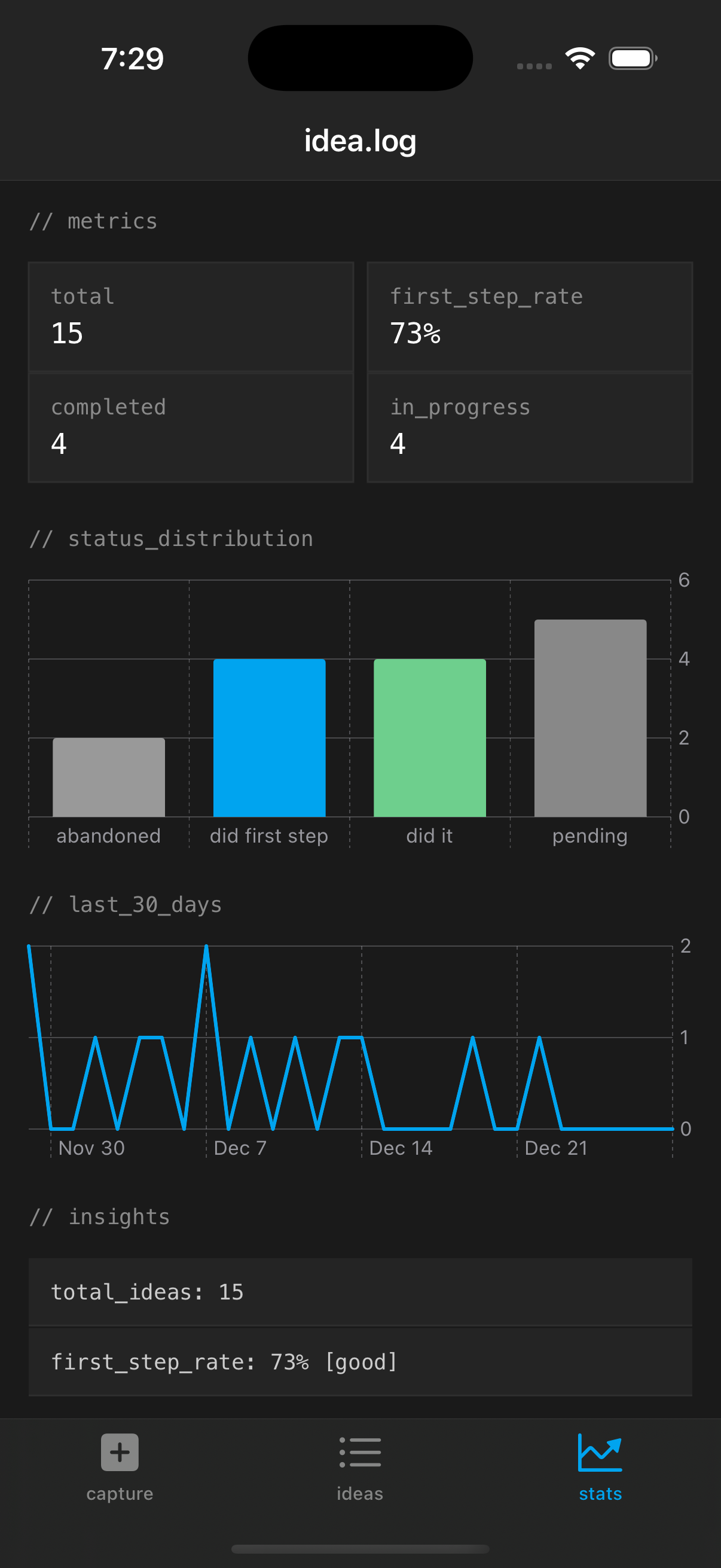 The capture screen: minimal by design.
The key intents:
- Capture Idea - takes a string parameter, creates an Idea in SwiftData
- Suggest Idea to Work On - scores pending ideas by various factors and suggests one
- Get Pending Ideas - returns a count and list
- Weekly Summary - generates a text summary of the week’s activity
The Suggest intent is the most interesting one. It scores ideas based on whether they have a first step defined, their age, current status, and how much time the user says they have. Quick sessions favor ideas with short first steps. Long sessions favor ideas that need more thinking.
Semantic Search
The search feature goes beyond keyword matching by computing word overlap scores, considering exact phrase matches, and searching across idea content, tags, first steps, and comments. Nothing fancy, no embeddings or ML models. Just thoughtful string matching that feels smarter than ctrl-F.
The Share with Agent Feature
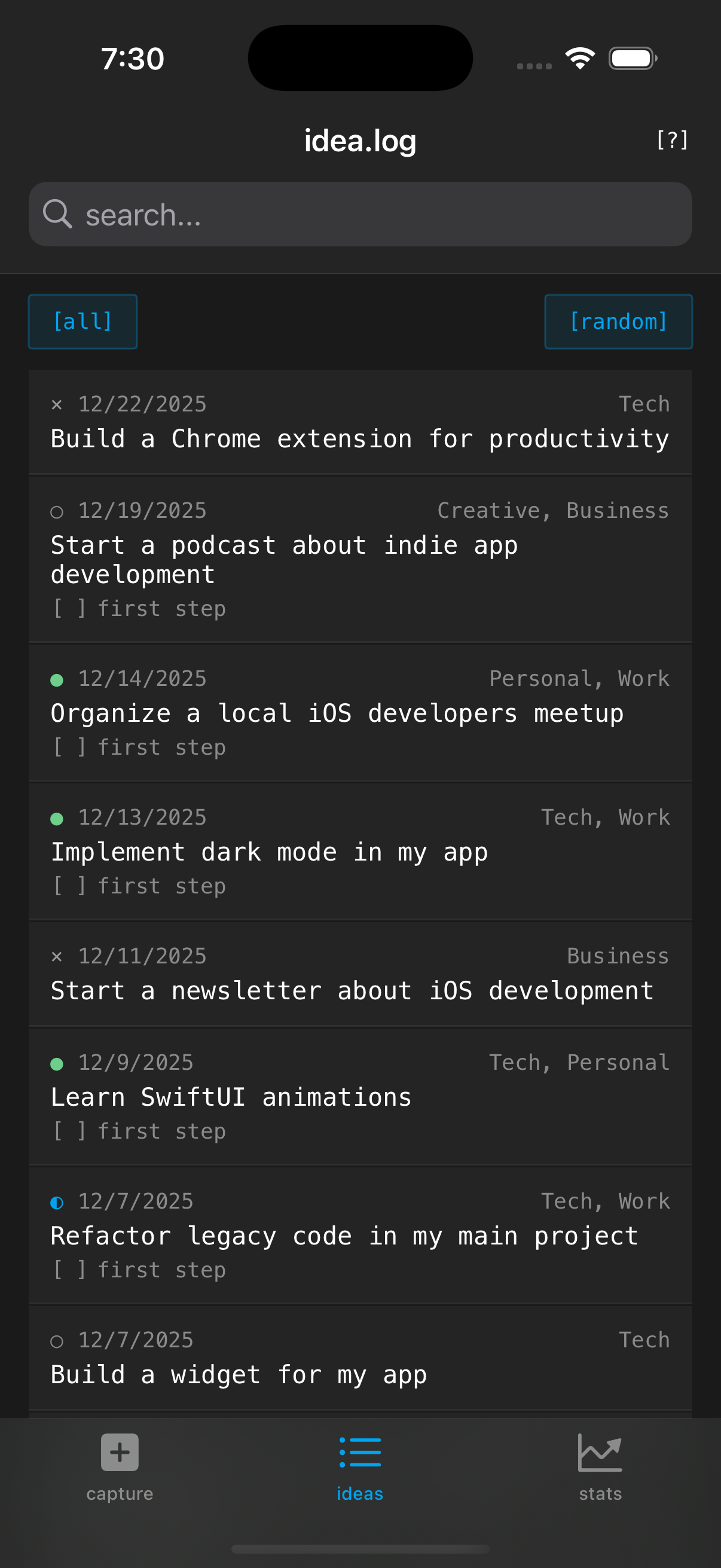 The detail view with the share menu for exporting to AI tools.
This turned out to be the feature people ask about most. It’s conceptually simple: take an idea’s data and format it as a structured markdown prompt suitable for pasting into an AI assistant.
The prompt template adapts based on the idea’s status:
- Pending ideas get “help me break this down and identify first steps”
- In progress ideas get “what should I do next”
- Completed ideas get “help me reflect and identify follow-ups”
- Abandoned ideas get “what can I salvage”
It includes tags as domain context, comments as additional notes, and first step status. The result is a prompt that gives an AI assistant full context without you having to type any of it.
The Design Choices
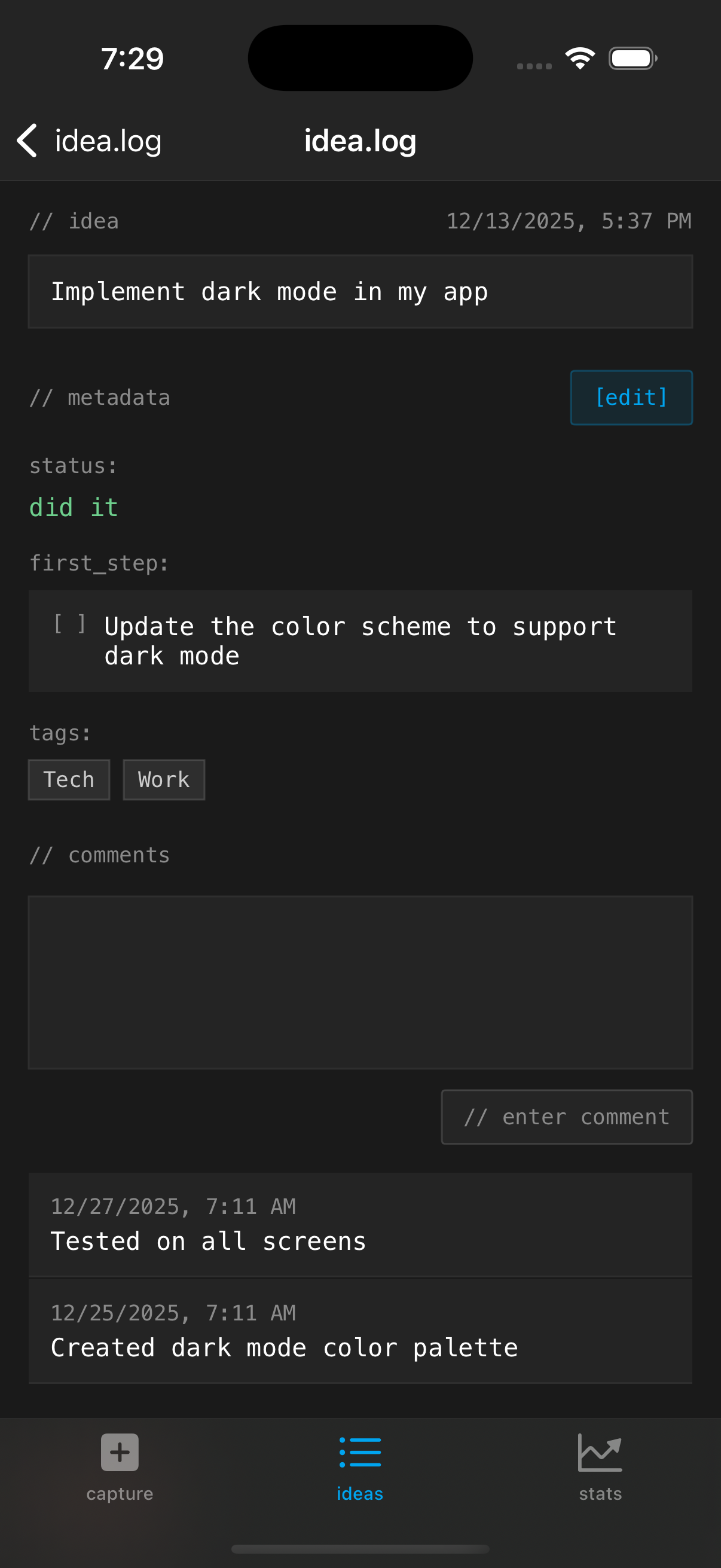 Terminal aesthetic with monospace type and bracketed buttons.
The terminal/monospace aesthetic was intentional. It signals simplicity. When everything is in a monospace font with // comments as headers and [bracketed] buttons, you know this isn’t trying to be Notion. It’s a log file for your brain.
Dark mode only was a deliberate constraint. Fewer decisions, cleaner result.
What I’d Do Differently
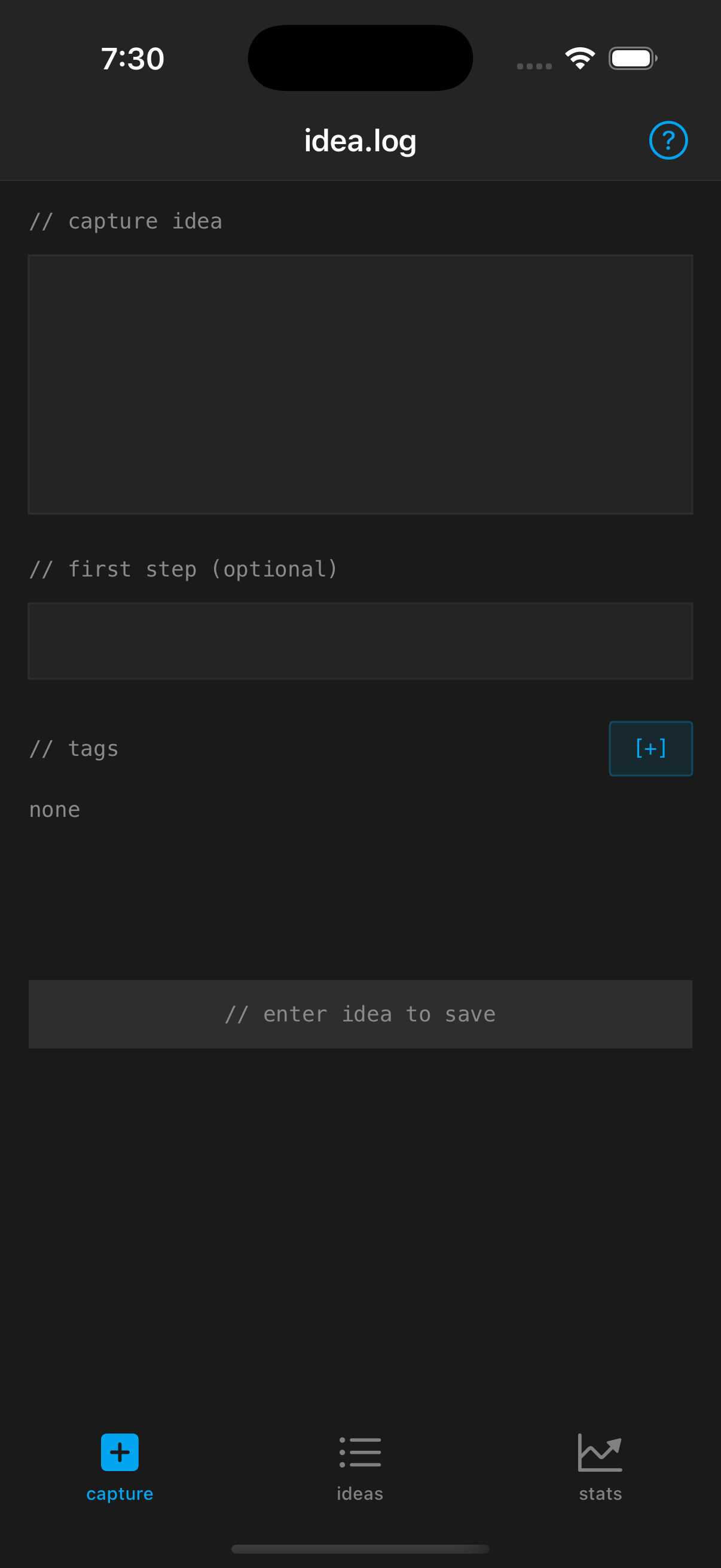 Stats dashboard tracking patterns over time.
Honestly, not much for v1. The main thing I underestimated was how useful the first step field would be. I almost cut it to keep things simpler. Glad I didn’t. If I were starting over I might make it more prominent in the capture flow.
idea.log is $1.99 on the App Store, no subscription. The code is a good example of a small SwiftUI + SwiftData app with Siri integration if you’re looking for one.
Stay in the loop
Get notified when I publish new posts. No spam, unsubscribe anytime.