Evergreen Comes to iPhone and iPad
I’ve written a few times now about Evergreen, the personal CRM I vibe coded in Swift to keep track of the people in my life. Up until now it lived in exactly one place: my Mac. That was fine when I was sitting at my desk adding contacts after an Atlanta AI dinner. It was a lot less fine standing in a hallway at a conference, phone in hand, trying to remember the name of someone I’d just met.
So I built the iPhone and iPad versions. Same app, same data model, now in my pocket.
The Easy Part and the Hard Part
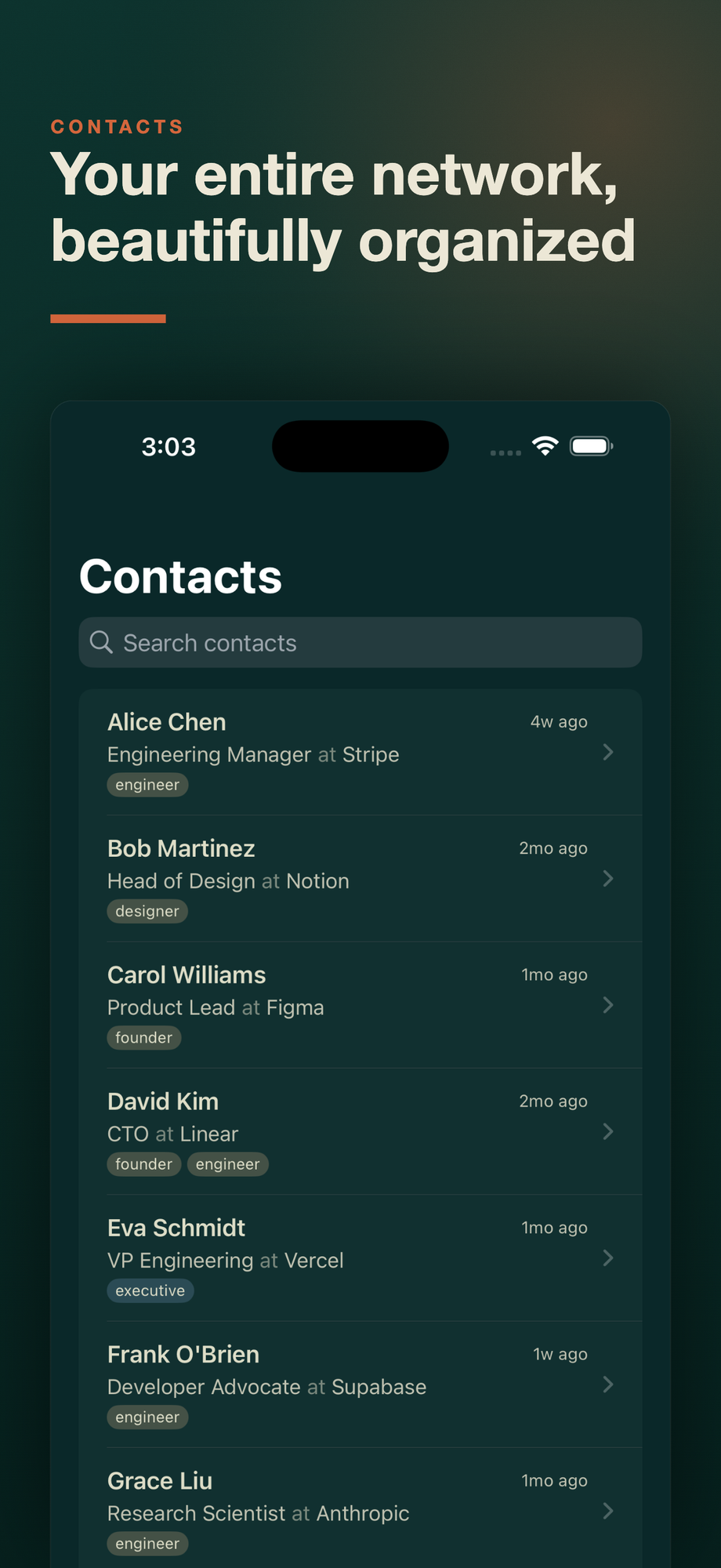
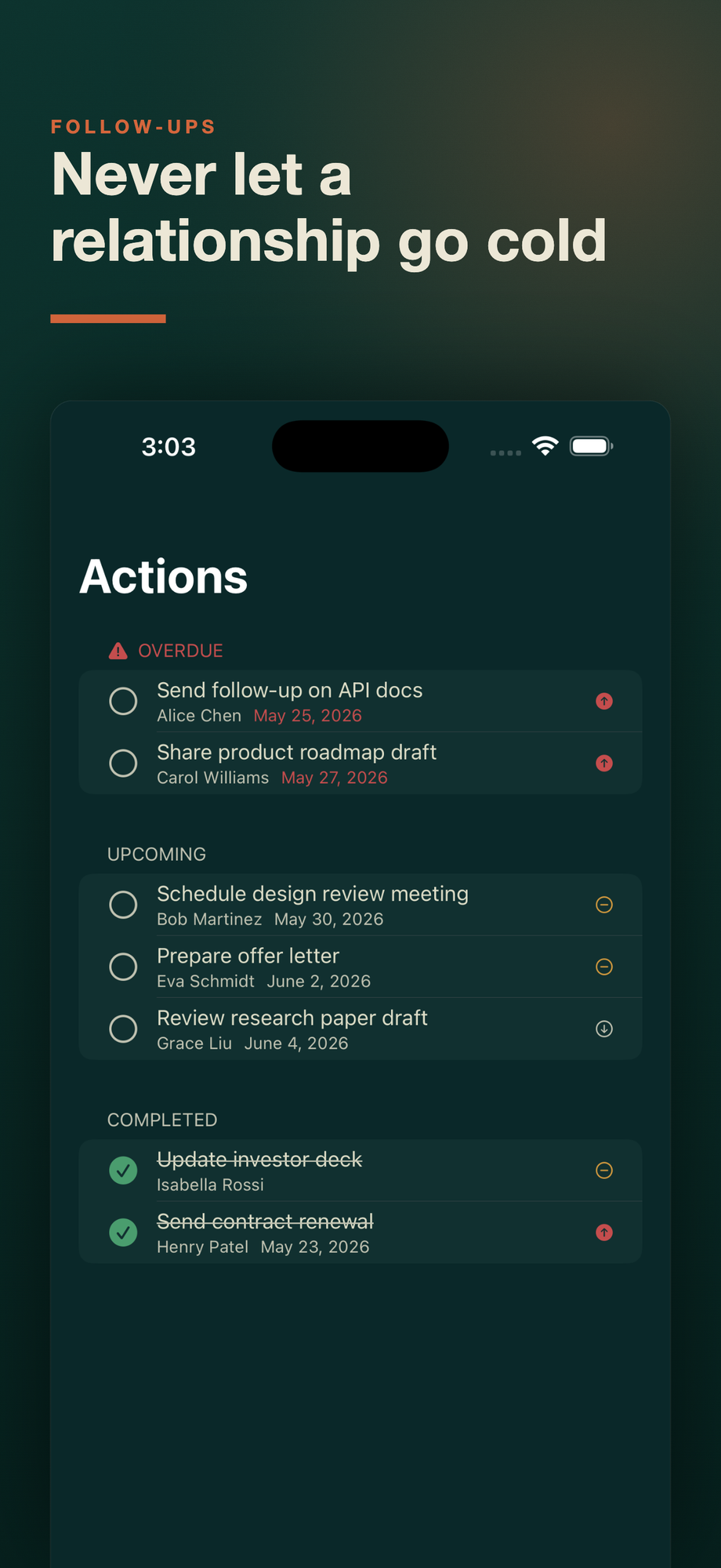
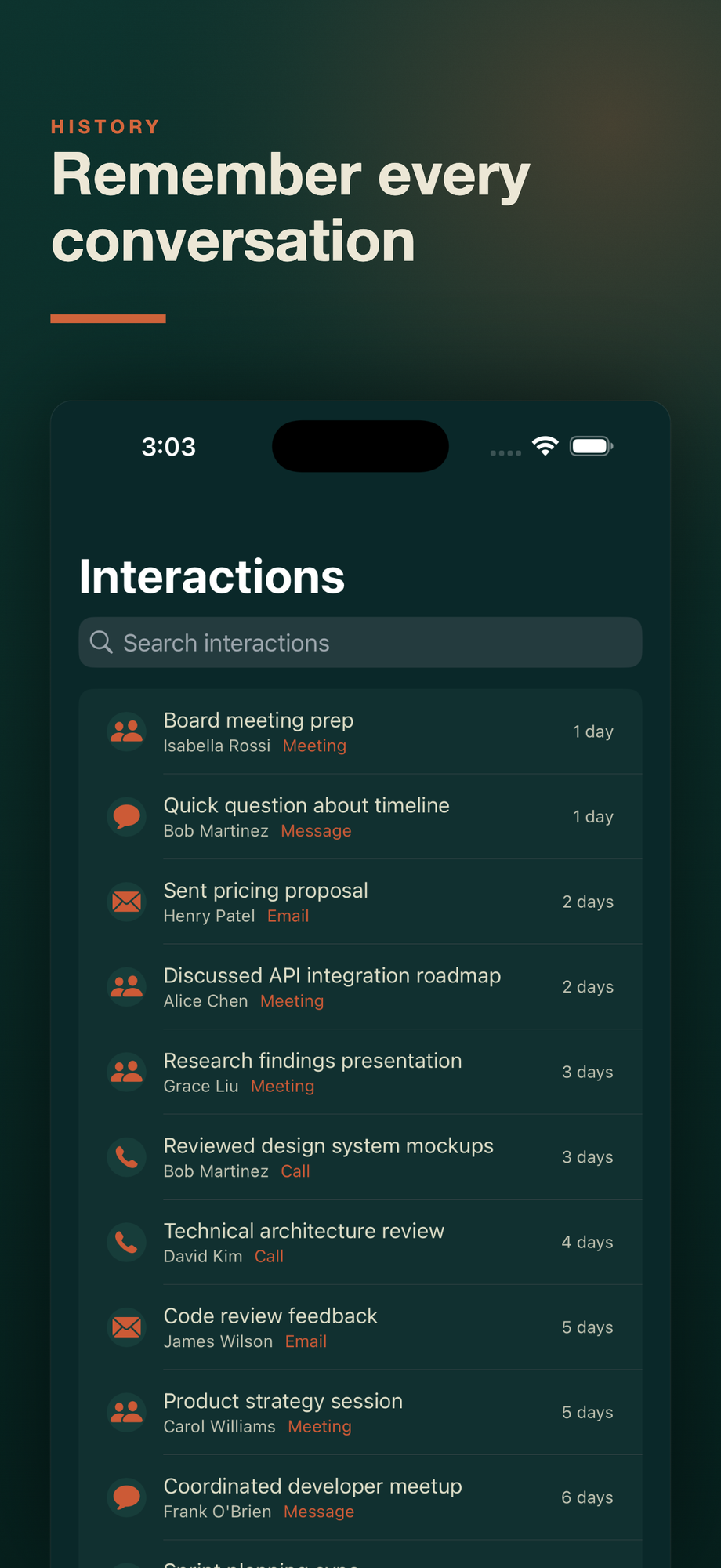
The easy part was the UI. Evergreen was already SwiftUI top to bottom, and a lot of the views carried over to iOS with surprisingly little fuss. The contacts list, the interaction timeline, the actions view - they all wanted to be on a phone screen anyway. A table that was information-dense on a Mac becomes a clean scrolling list on iPhone, and the detail pane just becomes a pushed view.
The hard part was sync. The whole point of Evergreen has always been local-first: your contacts live in a SQLite database on your machine, not on somebody’s server. I wasn’t going to throw that out just to get the data onto a second device. But a CRM you can’t trust to be current on your phone isn’t much of a CRM.
Sync Without Giving Up the Database
The answer was CloudKit. Evergreen Sync keeps your contacts up to date across your Mac, iPhone, and iPad by routing everything through your own private iCloud account. The data stays in your iCloud. I never see it, there’s no account to create on my end, and there are no servers of mine in the loop. It’s the same local-first promise, just mirrored across the devices you already own.
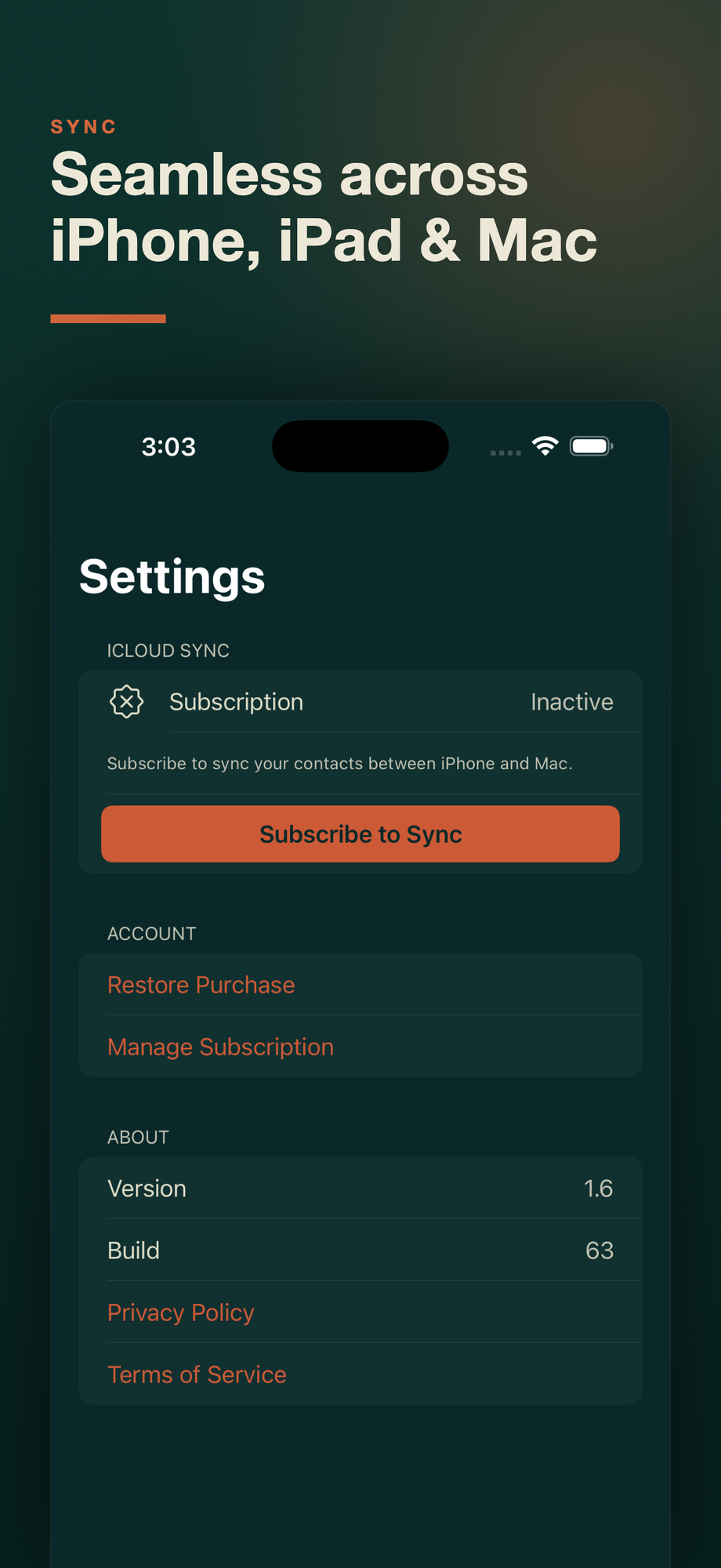
Sync is completely optional. If you only ever use Evergreen on one device, you can ignore it entirely and the app works exactly like it always has. But if you do want it, that’s where the one piece of new pricing comes in.
About That Subscription
For a long time my pitch for Evergreen was “buy it once, no subscriptions.” I want to be straight about the fact that this changes that a little, so here’s the honest version.
The app is still buy-once. You pay for it on the App Store and it’s yours, on all your devices, single-purchase. What’s new is Evergreen Sync, an optional auto-renewable subscription that turns on the cross-device iCloud sync. It runs $1.99/month or $14.99/year. That’s the only subscription in the app, it only exists to cover the ongoing cost and complexity of sync, and you never need it to use Evergreen on a single device.
I went back and forth on this. The cleaner story is “no subscriptions ever.” But sync is genuinely an ongoing thing to maintain, and I’d rather charge a small amount for the one feature that has a real ongoing cost than either eat it forever or bolt ads and tracking onto an app whose entire premise is privacy. So: app is buy-once, sync is the one optional add-on, and everything else stays exactly as private as it was.
What’s Next
The Mac version is still where the AI magic happens, since that’s where the bundled MCP server and the Claude skills live. The phone is for capture and lookup: add the person you just met, check who you owe a follow-up, glance at your history before a call. Between the two, the workflow finally feels complete. I capture on my phone, and Claude does the heavy lifting back on the Mac.
If you’ve been using Evergreen on your Mac, the iPhone and iPad apps are a free update - go grab them. And if you want your contacts to follow you around, Evergreen Sync is there when you want it.
Linked from
- Evergreen 1.7 Lets the Phone Do the Work Evergreen 1.7 turns the iPhone from a place you look things up into a place you …
- Evergreen Skills - Teaching Claude to Manage Your Relationships I built 18 Claude Code skills that turn Evergreen into an AI-powered …
Stay in the loop
Get notified when I publish new posts. No spam, unsubscribe anytime.