Share Ideas Between idea.log Users with Universal Links

You can now share ideas from idea.log with other people. Tap share, pick “Share with Friend,” and send the link through iMessage, Slack, email, whatever. If the recipient has idea.log installed, the idea gets created in their app automatically.
How It Works
When you share an idea, idea.log generates a universal link through heltonlabs.com. The link contains the idea’s content, first step, and tags encoded as a base64 JSON payload in the URL. Nothing gets stored on any server. The data travels in the link itself.
When the recipient taps the link:
If they have idea.log installed: iOS or macOS intercepts the link, opens the app, and creates the idea. They get a confirmation alert showing what was saved, and the app navigates to the new idea. Tags get matched to existing ones or created if they don’t exist yet.
If they don’t have the app: The link opens in a browser and shows a styled fallback page with the idea content and a link to download idea.log from the App Store.
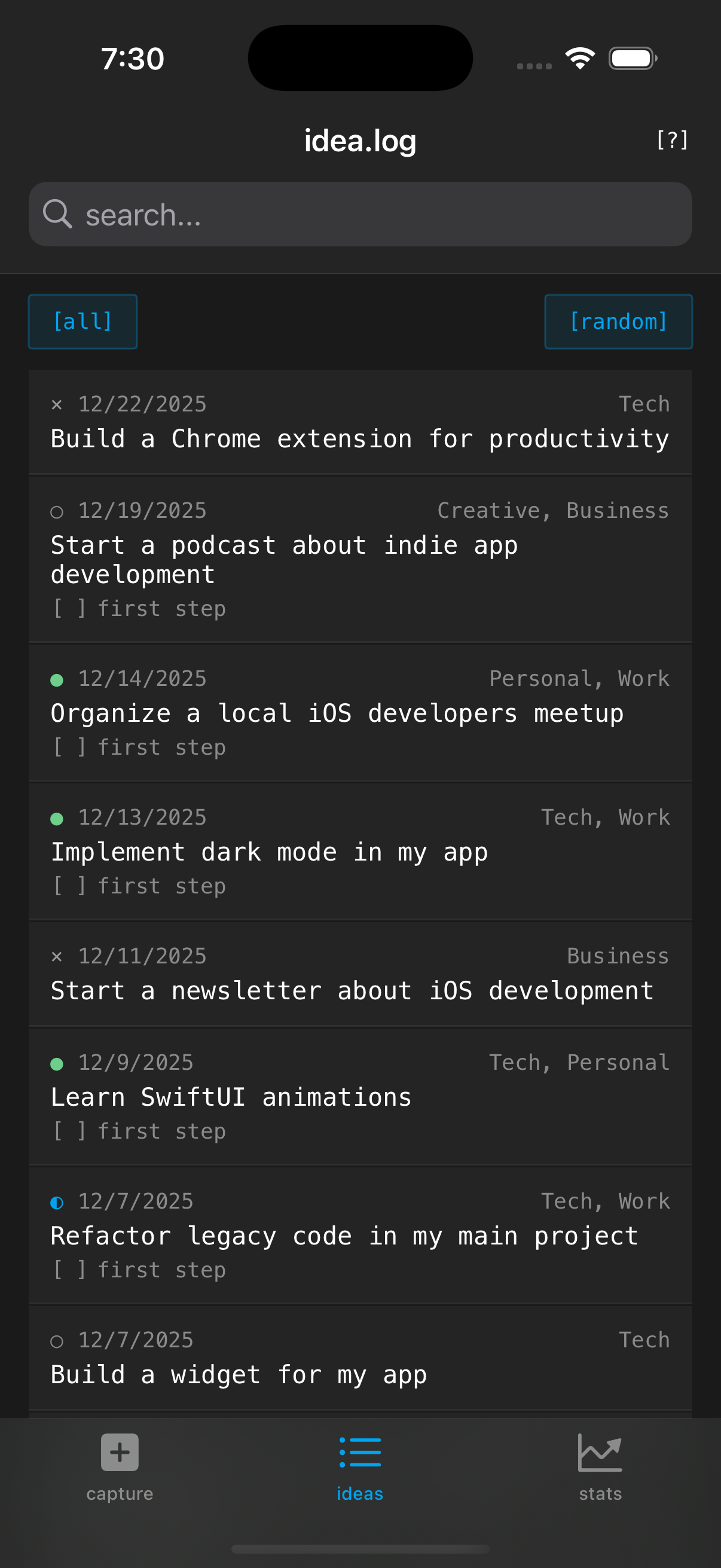 Shared ideas look exactly like any other idea in your list
Using It
From any idea’s detail view, tap the [share] button in the toolbar. You’ll see three options:
- Share with Friend - Generates the universal link. This is the new one.
- Share as Text - The existing human-readable summary (idea content, status, notes).
- Share with Agent - The existing markdown prompt format for pasting into an AI chat.
“Share with Friend” puts the link on your share sheet. Send it however you want. The link looks like:
https://heltonlabs.com/idealog/share/?d=eyJjIjoiQnVpbGQg...
Not pretty, but it works everywhere. iMessage, WhatsApp, Slack, email, even a text file. Anywhere a URL can go, your idea can go.
What Gets Shared
The shared link includes:
- The idea content (required)
- The first step (if you’ve set one)
- Tags (if any)
It does not include comments, status, or creation date. The idea arrives in the recipient’s app as a fresh pending idea. This is intentional - the recipient gets the seed of the idea, not your entire history with it.
Privacy
No data touches any server. The AASA (Apple App Site Association) file on heltonlabs.com tells Apple that idea.log handles links on that domain, but the actual idea content is encoded in the URL query parameter. The fallback page parses it client-side with JavaScript. There’s no analytics, no logging, no database on the backend. It’s a static HTML page on GitHub Pages.
The only caveat is the standard URL length limit (~2,000 characters). For a typical idea with a first step and a few tags, you’re well under that. If you wrote a novel in the idea field, the URL might get truncated by some messaging apps. Don’t do that.
Why Not CloudKit Sharing?
CloudKit has a sharing API that would let two users collaborate on the same record. I considered it, but it’s a heavier solution for what’s really a simple use case. Most of the time, you’re not collaborating on an idea - you’re sending someone a spark. “Hey, I had this idea, you should try it.” The universal link approach is zero-infrastructure, works cross-platform in the link fallback, and doesn’t require both users to be on the same iCloud account or accept sharing invitations.
If collaborative idea development becomes a real use case, CloudKit sharing is the right next step. But for now, fire-and-forget link sharing covers it.
Links:
Stay in the loop
Get notified when I publish new posts. No spam, unsubscribe anytime.