idea.log Now Has an MCP Server

The macOS version of idea.log now ships with a built-in MCP server. Your AI coding agent can read your ideas, create new ones, and manage tags without you ever opening the app.
Why an MCP Server for Ideas?
I keep idea.log open while I work. When I’m deep in a coding session with Claude Code and something sparks - a feature idea, a refactor I want to try later, a side project concept - I used to context-switch to the app, type it in, and switch back. Small interruption, but it adds up.
With the MCP server, I just tell the agent: “add an idea: build a CLI tool for X” and it’s captured. No window switching, no breaking flow. The idea goes straight into the same SwiftData store the app uses, syncs to my phone through CloudKit, and I can review it later.
How It Works
The MCP server is a separate binary bundled inside the macOS app. When you install idea.log, the server binary lives at:
/Applications/IdeaLog.app/Contents/MacOS/idealog-mcp.app/Contents/MacOS/idealog-mcp
It communicates with the main app through a shared App Group container, reading and writing to the same SwiftData database. No network calls, no API keys, no separate process to manage. The server speaks stdio, so it plugs into Claude Code’s MCP config like any other server.
Claude Code Configuration
Add this to your Claude Code MCP settings:
{
  "mcpServers": {
    "idealog": {
      "command": "/Applications/IdeaLog.app/Contents/MacOS/idealog-mcp.app/Contents/MacOS/idealog-mcp"
    }
  }
}
That’s it.
Available Tools
The server exposes five tools:
list_ideas- List all ideas, optionally filtered by status (pending, did first step, did it, abandoned)create_idea- Create a new idea with content and an optional first stepget_idea- Get full details on a specific idea including comments and tagsupdate_idea- Update an idea’s status, first step, or mark the first step completeadd_comment- Add a comment to an existing idea
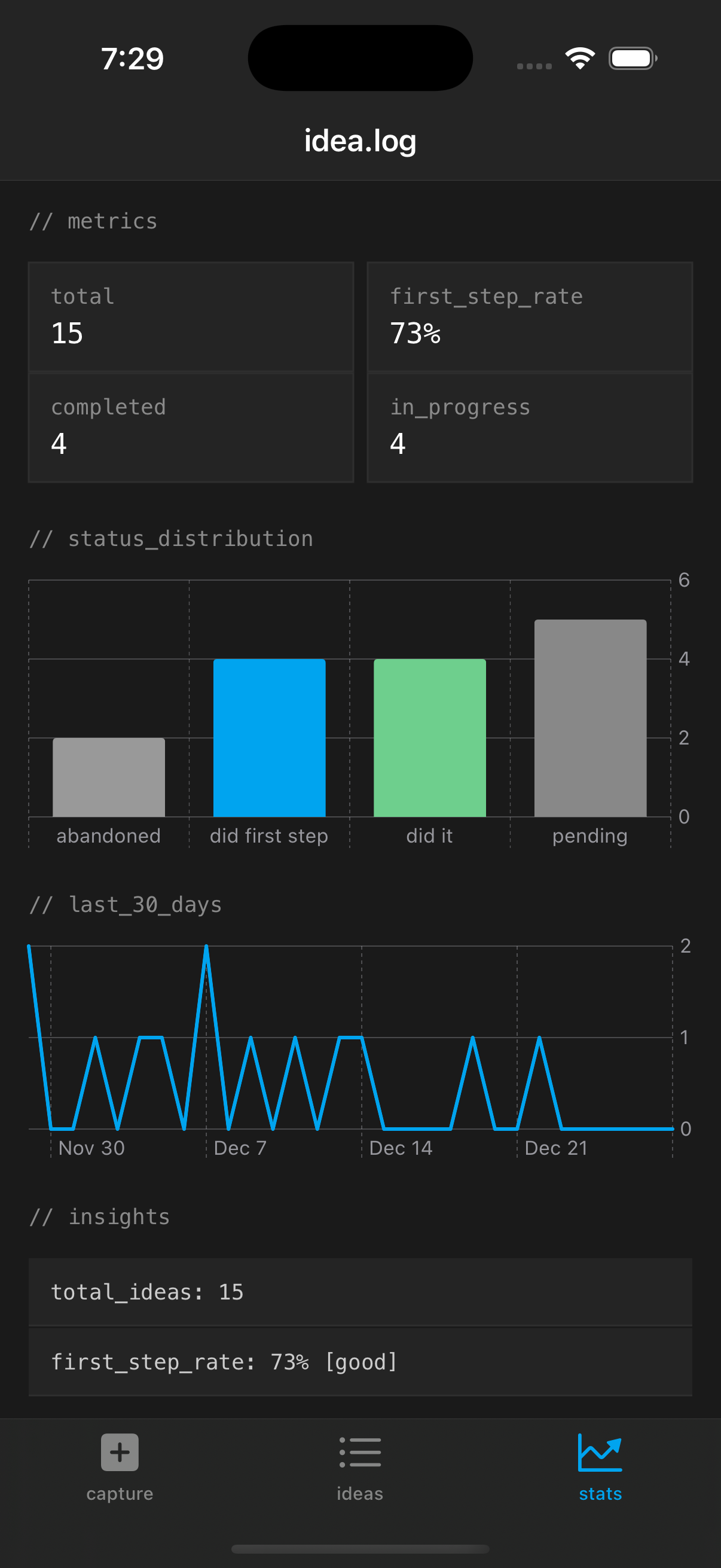 Ideas created via MCP show up just like manually captured ones
The Workflow
The way I actually use this day-to-day:
Capture during work. Mid-session, I’ll say something like “save an idea: the auth middleware could be extracted into a shared package” and the agent creates it in idea.log. I don’t lose my train of thought.
Morning review. I’ll ask the agent “what ideas do I have pending?” and get a quick list. Sometimes I’ll ask it to add a first step to one that’s been sitting there, or mark one as abandoned if I’ve moved on.
Session context. When starting work on a project, I’ll sometimes ask the agent to check if I have any relevant ideas captured. It’s like a second brain that the agent can actually query.
The ideas created through MCP are indistinguishable from ones created in the app. They show up in the list, sync to iOS, get indexed in Spotlight. There’s no “created by agent” flag or separate bucket. An idea is an idea.
What About CloudKit?
The MCP server writes to the local SwiftData store only. It doesn’t talk to CloudKit directly. But the main app does, so any idea the MCP server creates will get picked up by CloudKit sync next time the app syncs. In practice, this means ideas created by your agent show up on your phone within a few seconds if the app is running.
Links:
Linked from
- Your API Is Already an MCP Server Emit's MCP server is an endpoint inside the existing FastAPI app, not a separate …
Stay in the loop
Get notified when I publish new posts. No spam, unsubscribe anytime.